
Aprilaire 300 Humidifier Wiring Diagram
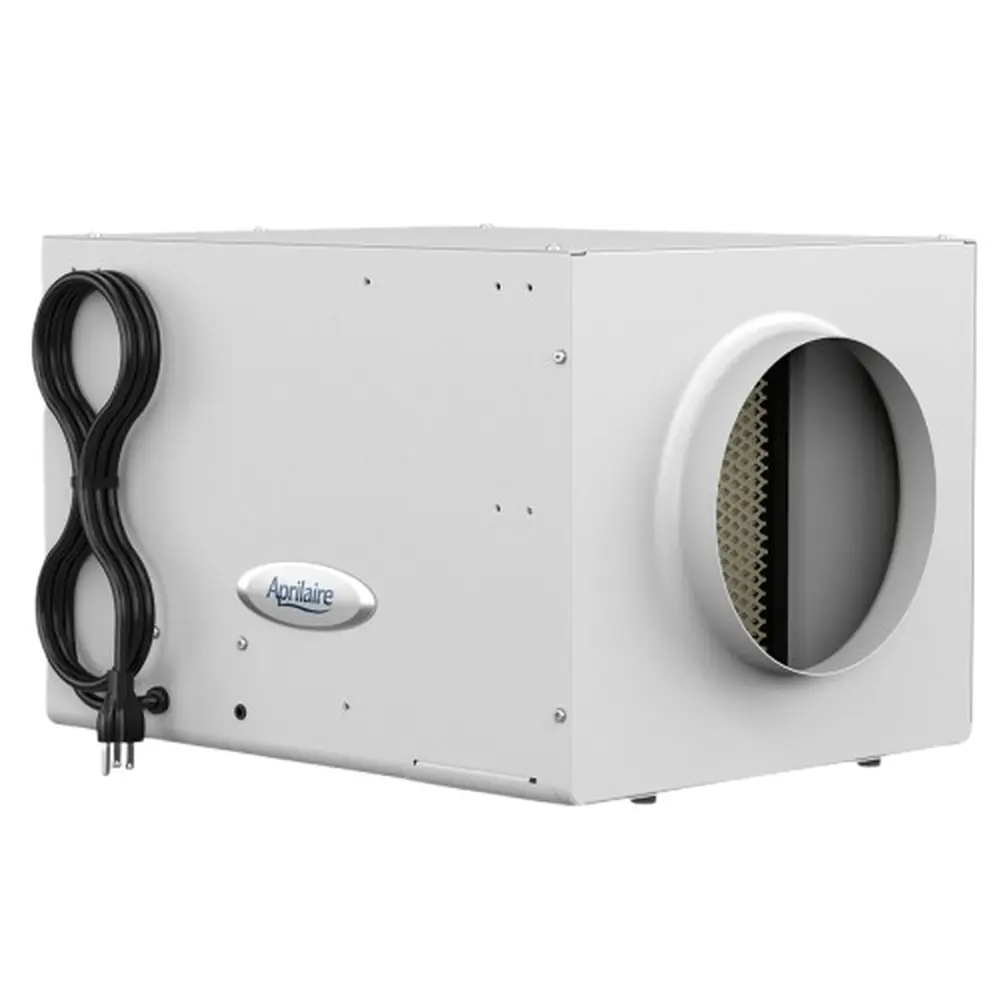
Aprilaire 300 wiring
120 V cord, control board, 24 V humidistat, fan and solenoid valve.
Terminals and components · 7
- 120 V AC
- Ground
- C · R (24 V)
- H · H
- Fan
- Valve
How to connect it
Plug the cord into a 120 V AC, 60 Hz outlet. The black (line) and white (neutral) wires come already connected to the board.
Caution
Follow local electrical codes. Unplug the unit before opening it.
Important
Use a grounded outlet; never remove the plug ground pin.
How to connect it
Connect board terminal C to humidistat C, and R to R.
Caution
These are 24 V AC terminals: never connect any 120 V wire to them.
How to connect it
Connect the two board H terminals to the two humidistat H terminals.
Check
Raise the setting to call for humidity: the fan starts, the valve opens and water should flow out the drain. Check for leaks.
Terminals
Terminal Function C · R 24 V AC power from the board H · H Contact that calls for humidity Location
On an inside wall, about 5 ft above the floor, away from windows, doors, registers and heat sources.
What it does
Blows air through the wet pack. When the humidity call ends it keeps running a few minutes to dry the panel and the ductwork.
Caution
L and N carry 120 V AC. Unplug the unit before touching the motor or capacitor.
Maintenance
Check the valve fittings for leaks. If water doesn't flow, clean the drain and inspect the valve.
About This Diagram
This diagram is redrawn from page 7 of the Aprilaire 300 Humidifier manual, and we offer it completely free and in English. We have also categorized it in the Humidifier (HVAC & Water Heating) section on Diagramverse, and it has been rated by 1 user with an average rating of 5.0. If you have any specific questions about the Aprilaire 300 Humidifier Wiring Diagram, we suggest checking the Frequently Asked Questions (FAQs) section.
Printable Wiring Diagrams


Wiring Instructions
Before you start
The Aprilaire 300 is unlike most whole-house humidifiers. It does not connect to the furnace at all. It has its own control board, its own fan with a capacitor, and its own water solenoid valve, all wired at the factory. The heat it needs to evaporate water comes from the hot water supply, not from the HVAC system. The only wiring you do in the field is to plug in the 120 V power cord and run a low-voltage cable from the board to the Model 65 humidistat. There is only one wiring layout, so the single tab in the diagram matches every Model 300 installation.
Tools and materials you will need:
- A small flat and Phillips screwdriver, a wire stripper and a multimeter that reads AC volts and continuity.
- Low-voltage thermostat cable with at least four conductors, one each for C, R, H and H. The sources do not give a gauge. Standard 18 AWG thermostat cable is the usual choice for 24 V AC control runs. Bring a fifth spare conductor if you can.
- Cable staples or clips, plus a grommet or bushing wherever the cable passes through sheet metal.
- A grounded 120 V AC, 60 Hz receptacle within reach of the cord where the unit hangs from the joists.
Hang the unit, run the duct and finish the plumbing before you plug anything in. The water supply should be 120°F to 140°F and no more than 125 psi. Mount the Model 65 on an interior wall of the living space. The power cord plugs into an existing outlet, so no permit is normally needed for that part. If you have to add a new receptacle or circuit, follow state and local codes, and hire a licensed electrician if you are not qualified for line-voltage work.
Step-by-step wiring
- Isolate the unit. Keep the 120 V power cord unplugged for the whole job. Set the humidistat to OFF or its lowest setting so the unit cannot start suddenly when you power it up.
- Open the unit and find the board. Remove the access panel to reach the control board's low-voltage terminals, labeled C, R, H and H. Don't disturb the factory wiring to the fan, the capacitor or the solenoid.
- Run the cable. Route the thermostat cable from the humidifier to the humidistat location. Keep it away from line-voltage wiring and hot water pipes, and staple it loosely so you don't nick the jacket. Leave a few inches of slack at each end.
- Write down your color code. Choose one conductor color for each terminal and write it down. For example, the conventional choice is blue for C and red for R, with two other colors for the two H wires. Use the same colors at both ends.
- Connect the humidistat power pair. At the board, land your C conductor on C and your R conductor on R. At the Humidistat (Model 65), connect them to C and R. This is the Humidistat power pair that feeds 24 V AC to the control.
- Connect the call-for-humidity pair. Land the two remaining conductors on the two H terminals at the board and on the two H terminals at the humidistat. This is the Call for humidity circuit. The humidistat closes the circuit between the two H terminals to start the unit.
- Dress the connections. Strip only enough insulation to fit fully under each screw, with no stray strands. Tug-test every wire, then fold the spare conductors back and tape them.
- Check the factory wiring. While the unit is open, confirm that the Green ground wire is tight at the fan motor housing. Also make sure the fan's L and N leads and the Water solenoid valve leads are fully seated on the board. Then close the unit.
Testing and start-up
- Make sure the Wet Pack sits flush in its guides and that no packaging is left on the inlet side. Open the saddle valve fully. It is meant to be either fully open or fully closed, never used to throttle the flow.
- Plug the cord into the grounded 120 V outlet. The humidistat should power up and show the indoor RH. If you want to confirm the supply first, measure across C and R at the board. You should read about 24 V AC.
- Press ON and raise the set point above the current room RH. The board should start the fan and open the solenoid, and you should hear the valve click. Hot water should flow over the panel, with a small steady stream going down the drain.
- Check the solenoid fittings and the drain for leaks.
- Lower the set point below room RH. The valve closes, but the fan keeps running for several minutes to dry the Water Panel and clear the duct. This is normal.
- Set the control to the recommended RH for the outdoor temperature.
Safety notes
- The unit runs on 120 V AC inside, and that voltage can cause serious shock. Always unplug the cord before you open the housing, and leave it unplugged until the cover is back on.
- The humidistat circuit is 24 V AC from the board. Never connect it to line voltage, and never jumper it to a furnace transformer.
- Never cut off the ground pin or use an ungrounded adapter. The green wire is what bonds the fan motor housing to ground.
- Water above 125°F scalds instantly. Shut off the hot water before you tap into a hot water line or disconnect one.
- Water and electricity share this cabinet. Fix any leak before you restore power.
Troubleshooting
| Symptom | Probable Cause | What to Check |
|---|---|---|
| Nothing happens at all: the humidistat is blank and the fan never runs. | There is no 120 V at the outlet, the cord is unplugged, or the circuit breaker or GFCI has tripped. | Plug a lamp into the outlet or measure it. You should read about 120 V AC. Reset the breaker or GFCI, then plug the cord back in firmly. |
| The outlet has power, but the humidistat screen stays blank. | The C or R wire is loose, broken or on the wrong terminal. | With power on, measure across C and R at the board, then at the humidistat. You should read about 24 V AC at both. If you have voltage at the board but not at the humidistat, the cable or a splice is open. |
| The humidistat shows ON and the RH is below the set point, but the unit never starts. | The H wires are open, or one of them has landed on C or R. | Unplug the unit and check that each H conductor goes from an H terminal at the humidistat to an H terminal at the board. Check the continuity of each conductor end to end. |
| The humidistat resets or goes dark the moment it calls for humidity. | The wires are crossed, so closing the H contacts shorts the 24 V supply. | Compare the colors at both ends against your notes. C must go to C, R to R, and the two H wires to the two H terminals. Look for nicked insulation where the cable is stapled. |
| The humidifier runs nonstop, even with the humidistat set to OFF. | The two H wires are shorted together, for example by bare strands touching or a crushed cable. | Disconnect both H wires at the board. If the unit stops, the short is in the cable or at the humidistat. Trim the wires and re-land them cleanly. |
| The fan runs, but no water reaches the panel and the valve never clicks. | A solenoid lead is loose at the board, the saddle valve is closed, or the inlet strainer is clogged. | Unplug the unit and reseat the two solenoid wires on the board. Open the saddle valve fully. Clean or replace the in-line strainer at the valve inlet. |
| The valve clicks and water flows, but the fan only hums or doesn't turn. | The fan's L or N lead is loose, or the run capacitor is faulty. | Unplug the unit, then check that the fan's L and N leads and the capacitor connections are tight on the board and the motor. If they are and the fan still won't start, have the fan and capacitor serviced. |
| The fan keeps running after the humidity call ends. | This is normal. The unit runs the fan for several minutes after each call to dry the panel. | Wait several minutes. If the fan never stops, check the H circuit for a short as described above. |
| You feel a tingle when you touch the cabinet or the duct. | The ground path is missing, through an ungrounded outlet, a cheater adapter, or a loose green wire at the motor. | Unplug the unit right away. Test the outlet ground with a tester, and confirm the green wire is tight at the fan motor housing. |
| Everything runs, but the house barely gains humidity. | The supply water is too cool, or the intake air is below 65°F. | Measure the water at the unit. It should be 120°F to 140°F. Expect a delay while hot water travels from the heater, roughly one minute per 10 feet. |